Give every expense a place.
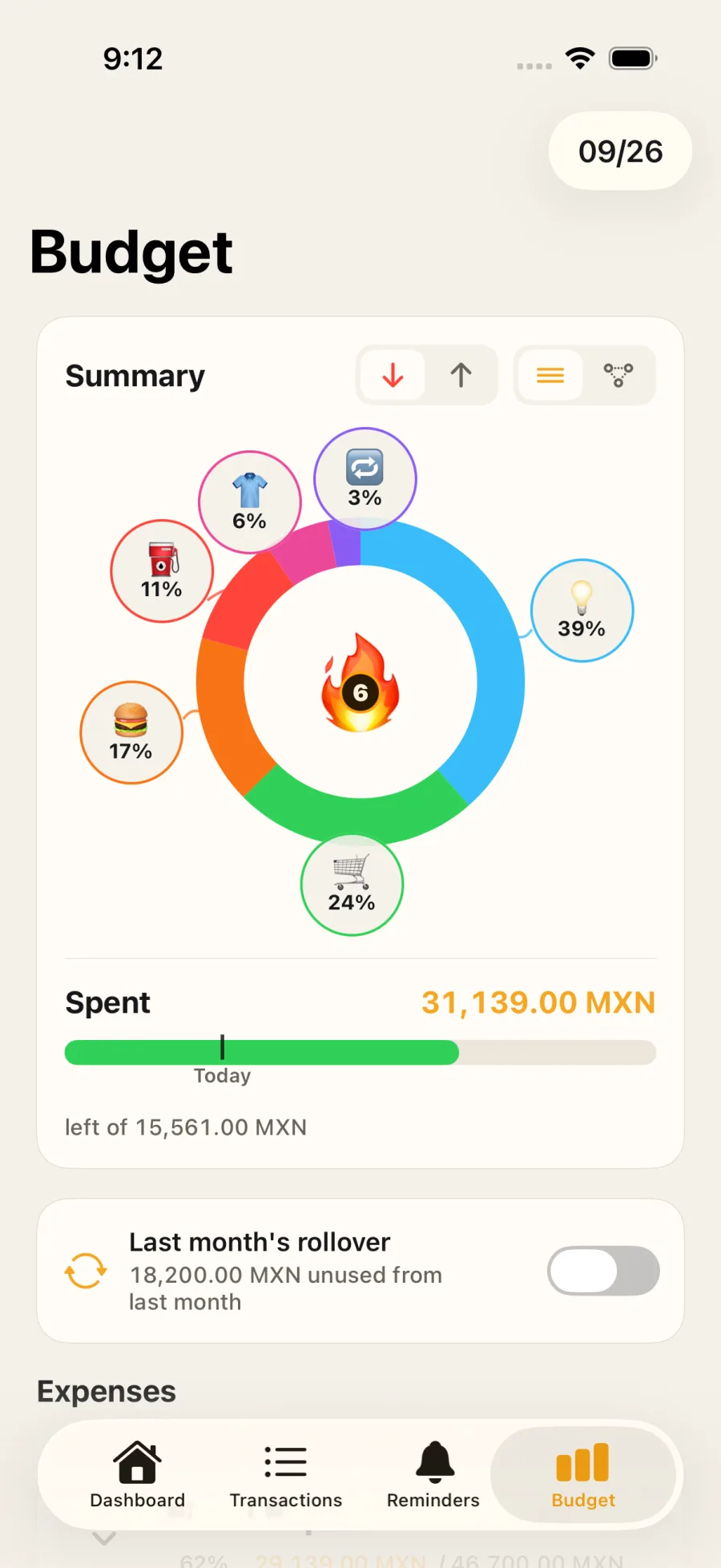
Record spending and see how you’re moving against your monthly budget. Make room for essentials and the things you enjoy.
 Ctrl Xpenses
Personal finance, on your terms
See where your money goes, organize your cards and plan what comes next. No account or bank connection required.


Start free. Optional features with Ctrl Xpenses Pro.
Less mental math
Keep spending, monthly budgets and upcoming payments in one place. Add each movement yourself, at your own pace.
A PLAN THAT’S YOURSWatch in 20 seconds
A closer look
Follow the story: set a budget, see card commitments, then explore possible debt plans.
Record spending and see how you’re moving against your monthly budget. Make room for essentials and the things you enjoy.
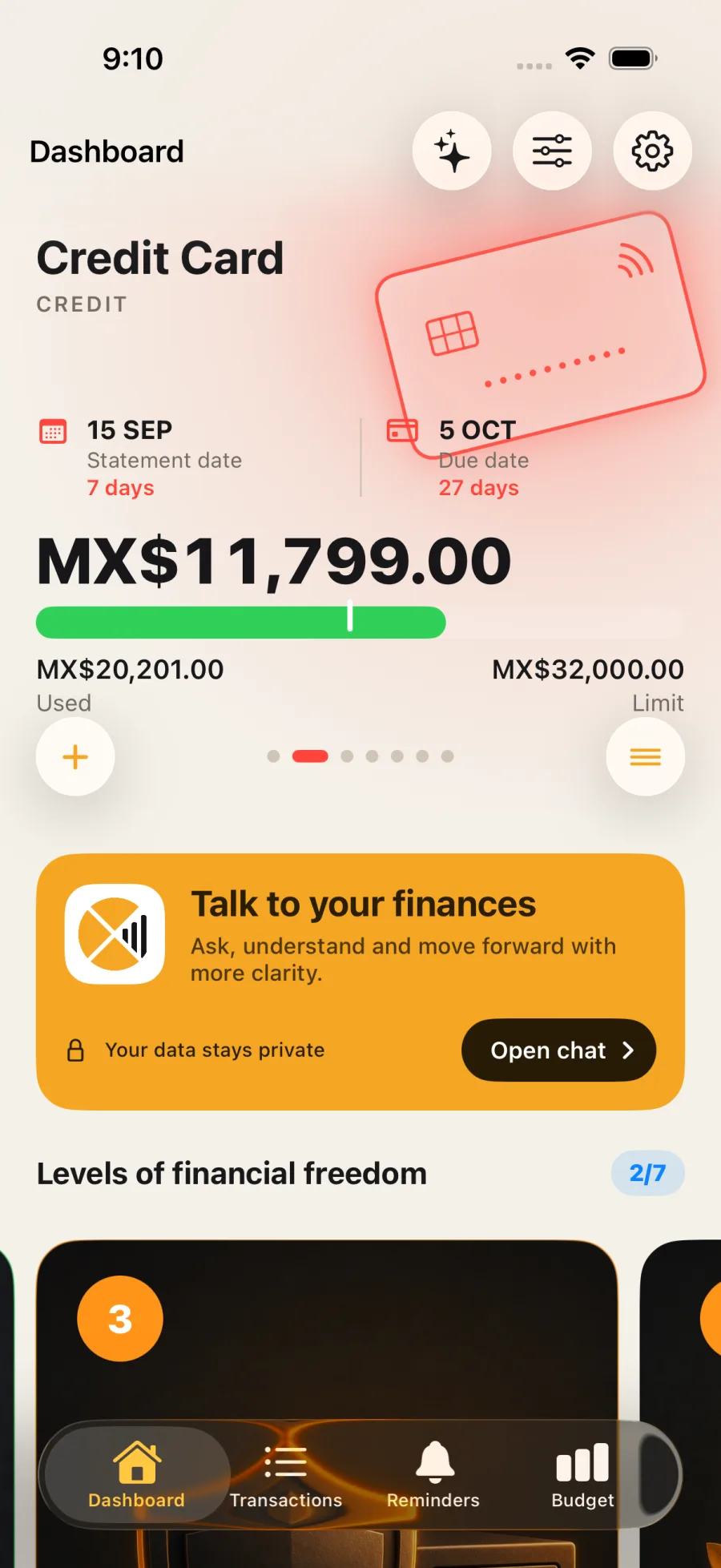
Organize installment purchases, statement dates and payments. See existing commitments before adding another.
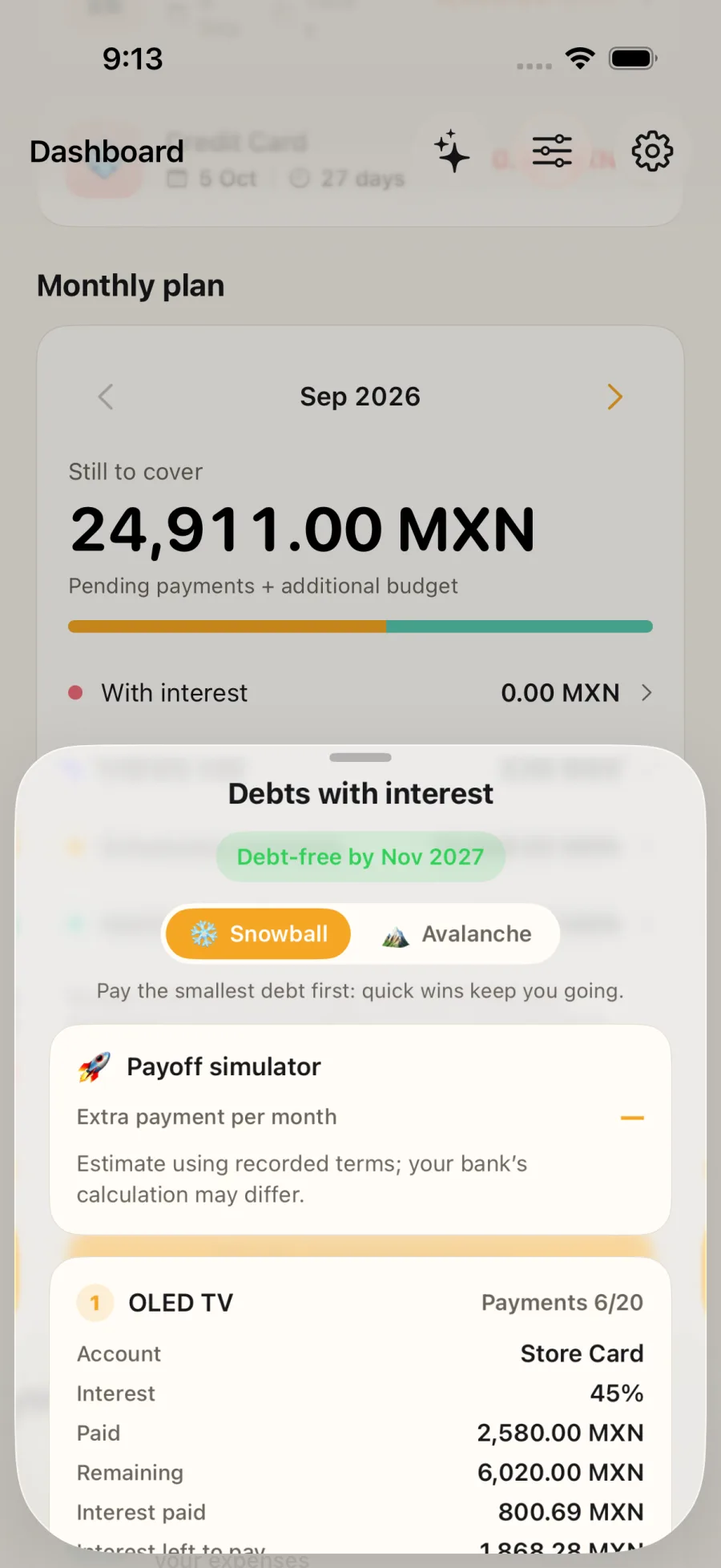
Compare payoff approaches and see how extra payments could change the timeline. These plans are estimates.
Your finances, your call
Your transactions, balances and receipts are stored locally. With Pro, you can export a backup and choose where to keep it.
Ctrl Xpenses doesn’t connect to your bank. Pro purchases, diagnostics and usage analytics use external providers. We don’t sell your information or use it for advertising.
Read the privacy details in SpanishBefore you begin
Yes. You can download and start using the app for free. Pro adds features and higher limits. Current options and prices appear in the app and your store before purchase.
No. You enter your information manually. The app doesn’t ask for bank credentials or make transfers or payments.
You can record and review finances offline. Purchases, restoring purchases, and updating market quotes and exchange rates need an internet connection.
There is no automatic cloud sync. With Pro, you can export a backup before switching devices and restore it afterward. The support guide is available in Spanish.
One entry at a time
Start with the expense that’s on your mind.